
How to Create a Custom WordPress Admin Menu
rsbloggers • June 20, 2025
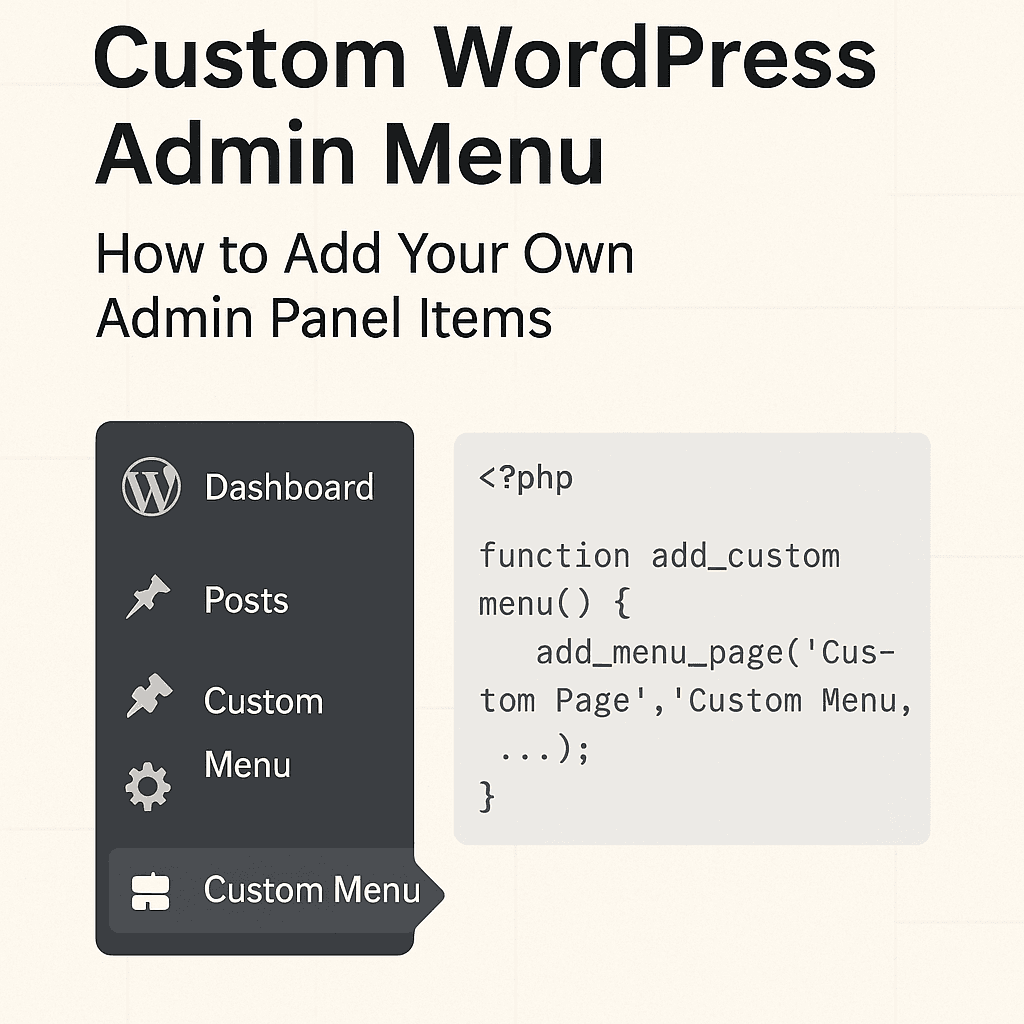
How to Create a Custom WordPress Admin Menu
If you’ve ever built a WordPress site for a client or managed a complex site yourself, you’ve probably thought: “I wish I could clean up or reorganize the WordPress admin panel.”
Good news: You can! WordPress allows you to create a custom admin menu that suits your needs or your client’s preferences.
Let me walk you through the process in simple steps, using real PHP code you can drop into your theme or plugin.
Why Customize the Admin Menu?
Before diving into the code, here’s why customizing the admin menu can be a game-changer:
Simplify the interface for non-tech users
Hide unused features or menu items
Add important custom sections
Improve productivity for frequent tasks
What We'll Build
We’ll add a new top-level menu item in the WordPress dashboard sidebar, and a sub-menu under it. When clicked, it’ll open a custom admin page with your content.
Step-by-Step Guide to Create a Custom Admin Menu
1. Hook into admin_menu
WordPress gives us a special action hook to register menu items: admin_menu.
2. Use add_menu_page() and add_submenu_page()
These functions let you add new items to the dashboard.
3. Create the Callback Function
This is what will be displayed when the user clicks the menu.
<?php

function my_custom_admin_menu() {
    // Add top-level menu
    add_menu_page(
        'My Custom Menu',            // Page title
        'Custom Menu',               // Menu title
        'manage_options',            // Capability
        'my-custom-menu',            // Menu slug
        'my_custom_menu_page',       // Callback function
        'dashicons-admin-generic',   // Icon
        25                           // Position
    );

    // Add sub-menu under the above menu
    add_submenu_page(
        'my-custom-menu',            // Parent slug
        'Sub Menu Title',            // Page title
        'Sub Menu',                  // Menu title
        'manage_options',            // Capability
        'my-custom-submenu',         // Submenu slug
        'my_custom_submenu_page'     // Callback function
    );
}
add_action('admin_menu', 'my_custom_admin_menu');


// Callback for top-level menu
function my_custom_menu_page() {
    echo 'Welcome to My Custom Menu You can add your own settings or tools here';
}


// Callback for sub-menu
function my_custom_submenu_page() {
    echo 'This is the Sub Menu Page More content goes here. ';
}
Where to Place This Code
You can place this code in:
A custom plugin (recommended for portability)
Your theme’s
functions.phpfile (works too, but only for that theme)
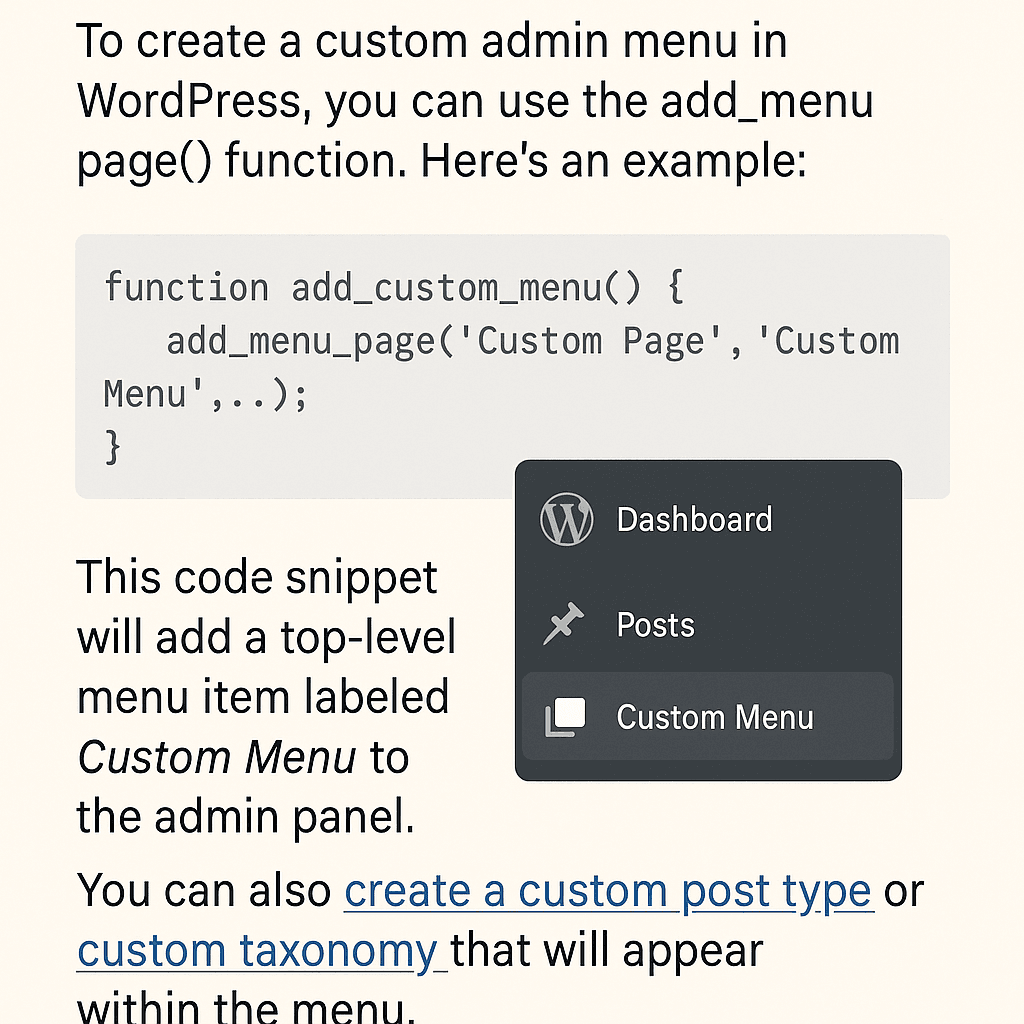
Tips for Better Custom Menus
Use
current_user_can()if you need finer control over visibilityConsider grouping related tools under one menu
Use appropriate Dashicons to make the menu visually appealing
Wrapping Up
Customizing the WordPress admin menu isn’t just for developers—it’s surprisingly easy and very useful. Whether you’re aiming to simplify the dashboard for clients or streamline your own workflow, this tweak can improve usability and productivity.
Want to go further? You can add settings fields, custom forms, or even integrate third-party APIs directly within your custom admin pages. For example, you might want to create a custom post type or register a custom taxonomy to better organize your content and tie it into your new admin menu.