
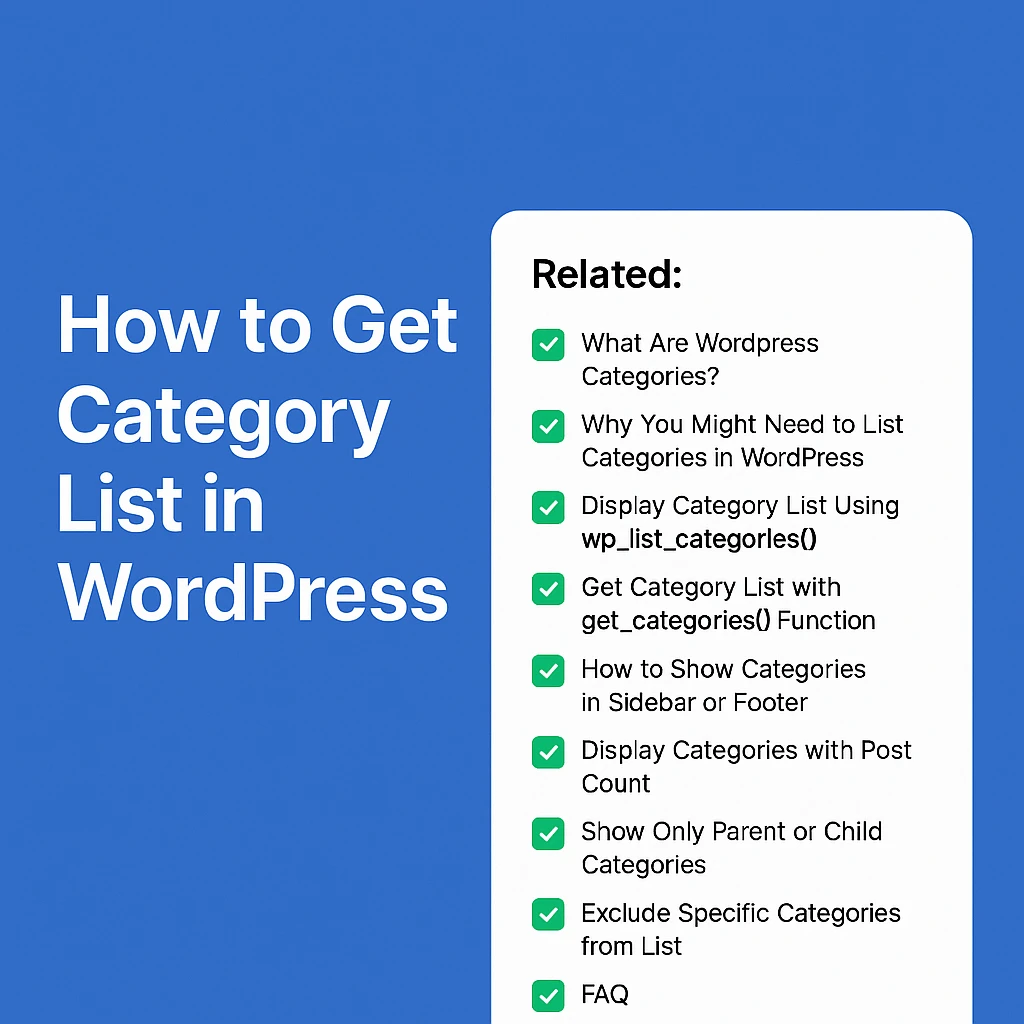
How to Get Category List in WordPress
What Are WordPress Categories?
Categories in WordPress help you organize your posts. Think of them like folders for your blog. If you have a cooking blog, your categories could be Breakfast, Lunch, Dinner, etc. This makes it easier for visitors to find content based on topics.
Why You Might Need to List Categories in WordPress
You often need to show your blog categories somewhere on your site — maybe in the sidebar, footer, or even inside a post. It improves site navigation, helps SEO, and keeps your content organized.
Whether you’re building a custom theme or using a page builder, you might want to get category list to display anywhere you like.
Display Category List Using wp_list_categories()
The simplest way to get category list in WordPress is with the wp_list_categories() function. Here’s a quick example:
<ul>
    <?php
wp_list_categories( array(
        'title_li' => ''
    ) ); ?>
</ul>
What it does:
Displays all categories as an unordered list
<ul>.title_li => ''removes the default “Categories” title.
Get Category List with get_categories() Function
If you want more control, use get_categories() to get category list as an array:
<?php
$categories = get_categories();
foreach ( $categories as $category ) {
    echo '<li>' . $category->name . '</li>';
}
?>
Why use this?
You can apply custom styling.
You can filter specific categories.
You get full control over how the list looks.
How to Show Categories in Sidebar or Footer
Want to show categories in sidebar or footer? Most themes have widget areas. Here’s how:
1. Go to Appearance → Widgets
2. Add the “Categories” widget
3. Done!
For custom themes, add wp_list_categories() directly in sidebar.php or footer.php.
Display Categories with Post Count
Show how many posts are inside each category with this code:
<ul>
<?php
wp_list_categories( array(
    'show_count' => true,
    'title_li'   => ''
) );
?>
</ul>
Visitors can instantly see which categories have the most content.
Show Only Parent or Child Categories
If you want to get category list for parent categories only:
<ul>
<?php
wp_list_categories( array(
    'title_li'   => '',
    'parent'     => 0
) );
?>
</ul>
To show child categories of a specific parent, use:
<ul>
<?php
wp_list_categories( array(
    'child_of' => 5, // Replace 5 with the parent category ID
    'title_li' => ''
) );
?>
</ul>
Exclude Specific Categories from List
Don’t want to show certain categories? Exclude them like this:
<ul>
<?php
wp_list_categories( array(
    'exclude'  => '3,5', // Replace with your category IDs
    'title_li' => ''
) );
?>
</ul>
Get Category List with Custom Markup
Sometimes, you want full control over the markup. Here’s how to get category list manually:
<?php
$categories = get_categories();
echo '<div class="custom-category-list">';
foreach ( $categories as $category ) {
    echo '<span>' . $category->name . '</span>';
}
echo '</div>';
?>
You can style .custom-category-list with CSS as needed.
Using Shortcode to Display Categories Anywhere
Want to use a shortcode? Here’s how to create one:
function my_category_list_shortcode() {
    ob_start();
    wp_list_categories( array( 'title_li' => '' ) );
    return ob_get_clean();
}
add_shortcode( 'category_list', 'my_category_list_shortcode' );
Use this in your editor:[category_list]
Simple and flexible to get category list wherever needed.
Display Categories as a Dropdown
Show a dropdown instead of a list:
<?php
wp_dropdown_categories( array(
    'show_option_none' => 'Select Category',
) );
?>
This is handy for compact designs or mobile-friendly layouts.
Frequently Asked Questions (FAQ)
How do I get category list with custom design?
Use get_categories() and loop through the result to create your own HTML structure.
Can I show categories only for a specific post type?
Yes, with get_categories( array( 'taxonomy' => 'custom_taxonomy' ) ) if you use custom taxonomies.
How can I exclude empty categories?
Use 'hide_empty' => true in your function to exclude categories without posts.
Is there a shortcode to display category list?
Yes! You can create a shortcode using the example above to insert category lists anywhere.
Can I display categories with a dropdown and count?
wp_dropdown_categories() does dropdown, but post count isn’t shown there by default. You’d need custom code for that.
Use get_categories() and loop through the result to create your own HTML structure.
Yes, with get_categories( array( 'taxonomy' => 'custom_taxonomy' ) ) if you use custom taxonomies.
Use 'hide_empty' => true in your function to exclude categories without posts.
Yes! You can create a shortcode using the example above to insert category lists anywhere.
wp_dropdown_categories() does dropdown, but post count isn’t shown there by default. You’d need custom code for that.